


 Copy
Copy WhatsApp
 Facebook
 Telegram
 X
X LinkedIn
 Email
Email Reddit
 Pinterest
 Line
Line VK
VK Blogger
 Tumblr
 OK
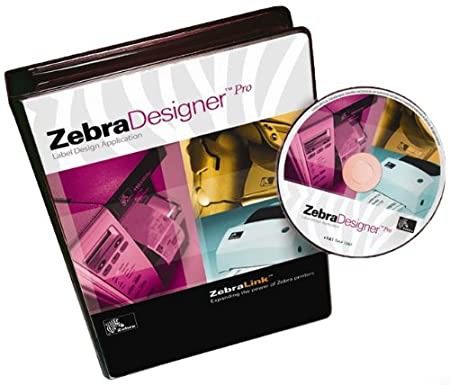
OKZebraDesigner Pro 3.2 is a label design software developed by Zebra Technologies. It is used to create, design, and print labels, barcodes, RFID tags, and product identification labels for a variety of industries. The software offers advanced tools for designing labels with text, graphics, barcodes, and RFID data, and is typically used in environments that require efficient labeling solutions such as manufacturing, retail, logistics, and healthcare.
🔧 What is ZebraDesigner Pro 3.2?
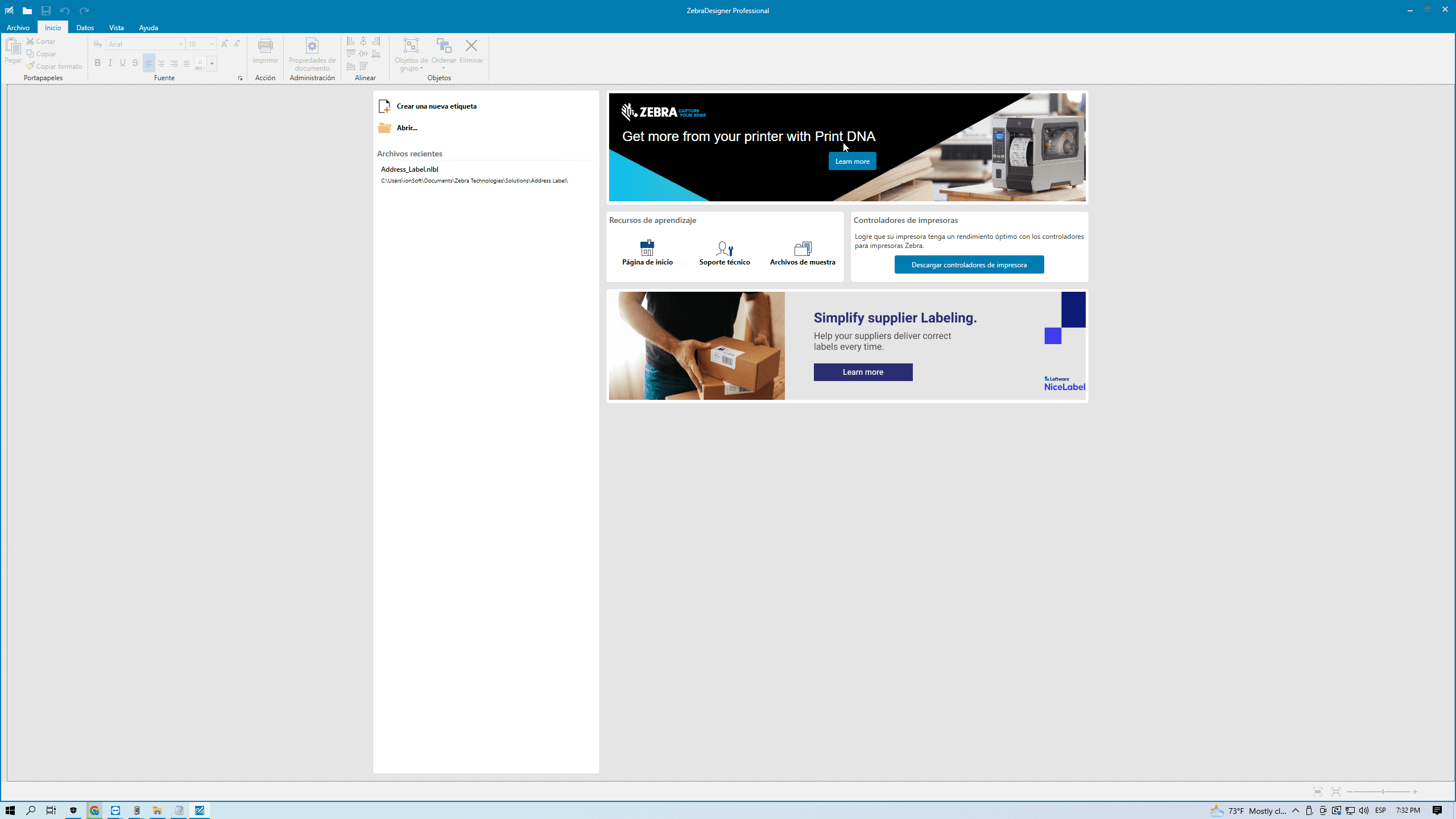
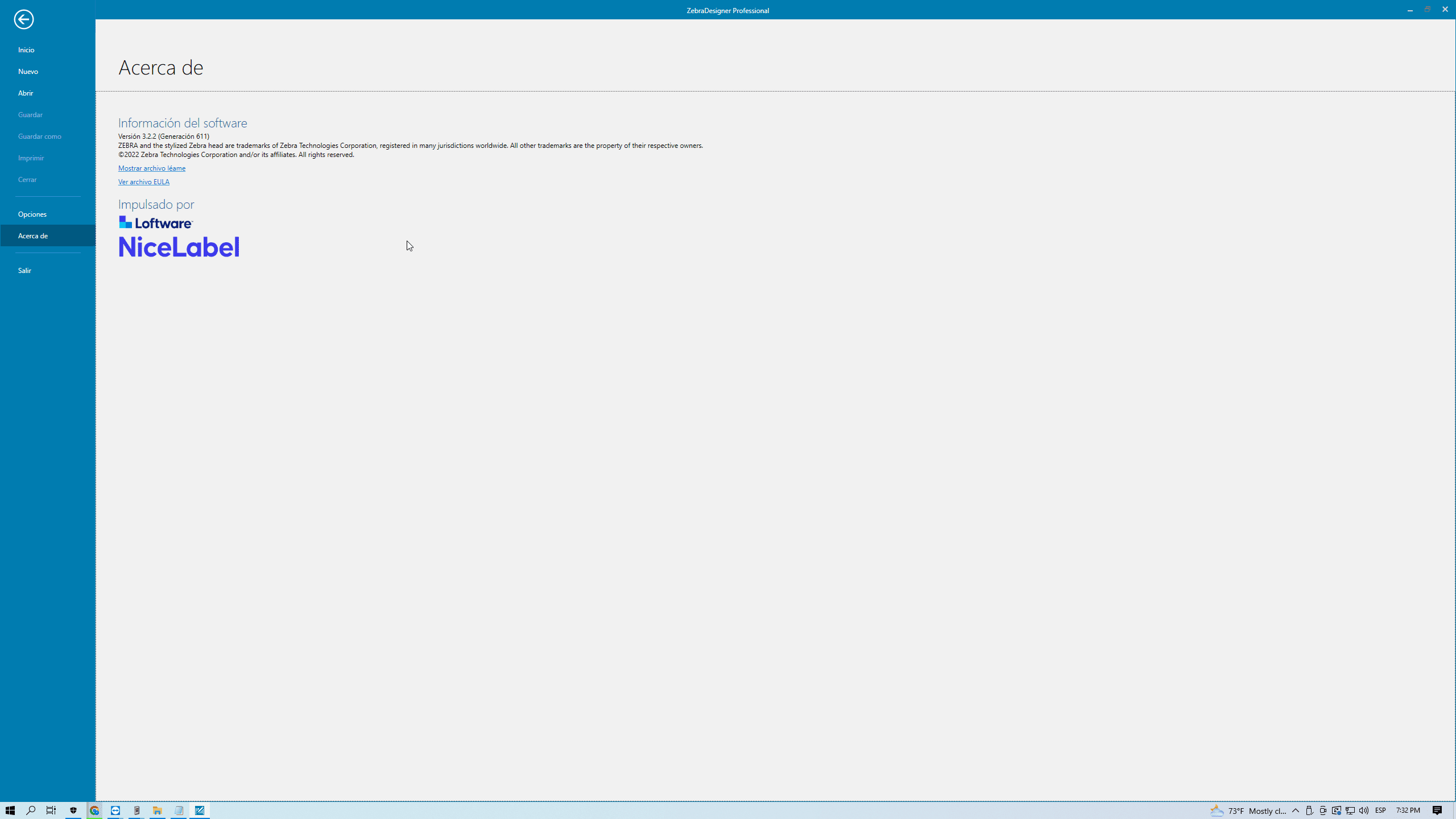
ZebraDesigner Pro 3.2 is a professional-grade label design software that enables users to create labels for Zebra printers. It provides a user-friendly interface with drag-and-drop functionality and supports both basic and advanced label designs, including features like barcode creation, RFID tag design, and variable data handling. This version of the software (3.2) includes enhancements for compatibility, user interface improvements, and new label creation options.
🎯 What is it used for?
ZebraDesigner Pro 3.2 is used to:
-
Design and create custom labels, including barcode labels, RFID labels, and asset tags
-
Generate barcodes and QR codes for product identification, inventory management, and tracking
-
Design labels with variable data, such as serial numbers, dates, and production information
-
Create RFID tags for asset tracking and inventory management
-
Print labels directly from Zebra printers or connected devices
-
Utilize predefined templates for common labeling applications (e.g., shipping, product labels, inventory)
-
Control printer settings and optimize the printing process
-
Import graphics and logos into label designs
-
Manage multi-label designs and print multiple labels at once